How to Create COVID Screening Checklists to Safeguard Your Business
Design COVID screening checklists with Workflow — a no-code tool that allows you to create personalized lists and forms synced with your employee data.
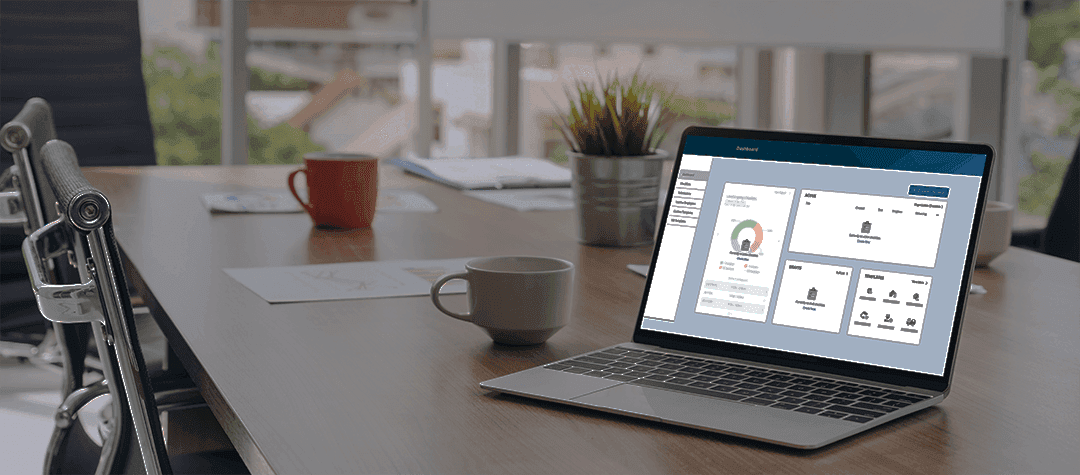
Design the Best COVID Screening Checklist for Your Business
If you're looking for a way to create covid screening checklists for your business, school, or organization, you've come to the right place. In this article, I'll show you how to use Workflow, a powerful and easy-to-use checklist app, to create covid screening checklists that you can share with your team, customers, or visitors.
Workflow is a checklist app that lets you create and manage any kind of checklist, from daily tasks to complex projects. You can use Workflow to create covid screening checklists that help you comply with health and safety regulations, prevent the spread of the virus, and protect your community.
The right checklist template is essential. With Workflow, create your own template or select one approved by industry leaders, like the Vacation Request Workflow, and the Employee Expense Workflow.
Design the Best COVID Screening Checklist for Your Business
Here are some of the benefits of using Workflow to create covid screening checklists:
You can create covid screening checklists in minutes using Workflow's intuitive interface and templates.
You can customize your covid screening checklists to suit your specific needs and preferences. You can add questions, images, videos, links, and more to your checklists.
You can share your covid screening checklists with anyone via email, text, QR code, or link. You can also embed your checklists on your website or social media platforms.
You can track and monitor the progress and results of your covid screening checklists. You can see who completed the checklists, when they completed them, and what their answers were. You can also export the data to Excel or Google Sheets for further analysis.
How to create a bulletproof COVID screening checklists
Step 1. Download Workflow and create a new account.
Step 2. Create a checklist or use a template.
Step 3. Give your checklist a name and description.
For example, you can name it "Covid Screening Checklist for Employees" and describe it as "A checklist to screen employees for covid symptoms before they enter the workplace".
Step 4. Add questions to your checklist.
You can use Workflow's templates or create your own questions. For example, you can ask questions like "Do you have a fever?", "Do you have a cough?", "Have you been in contact with anyone who tested positive for covid in the past 14 days?", etc. You can also add images, videos, links, or other information to your questions.
Step 5. Set the options for your checklist.
You can choose who can access your checklist, how often they need to complete it, how long it will be available, etc.
Step 6. Save and publish your checklist.
You can preview your checklist before publishing it to ensure it looks good.
Step 7. Share your checklist.
You can send them an email, text, QR code, or link to access your checklist. You can also embed your checklist on your website or social media platforms.
That's it! You've just created a covid screening checklist with Workflow. Now you can use it to screen people for covid symptoms and keep your community safe.
I hope you found this article helpful and informative. If you have any questions or feedback about Workflow or covid screening checklists, please feel free to contact us at support@paymentevolution.com - we'd love to hear from you.
Thank you for reading, and stay safe!